How To Set Font Sizes to Relative Length Units
Q
How To Set Font Sizes to Relative Length Units? - CSS Tutorials - Page Layout and Background Image Design
✍: FYIcenter.com
A
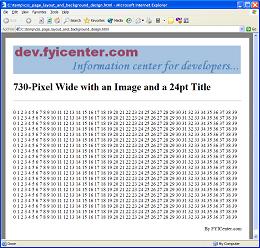
Knowing that setting font sizes to absolute length units will cause problems on text sizes with different browser resolutions, you can set your font sizes to relative length units, like px (pixel). The tutorial exercise code below sets font sizes to pixels:
<html><head>
<style type="text/css">
  BODY {background-color: gray}
  DIV.page {background-color: white; width: 730px;
    padding: 25px; text-align: left}
  HR {width: 730px}
  P {width: 730px; font-size: 16px}
  H1 {font-size: 32px}
</style>
</head><body><center><div class="page">
<p>
<img src=fyi_banner_blended.jpg width=728 width=90>
</p>
<H1>730-Pixel Wide with an Image and a 32px Title</H1>
<hr align=left>
<p><script language="JavaScript">
  for (i=0; i<20; i++) {
    for (j=0; j<40; j++) {
      document.write(j+' ');
    }
    document.write('<br/>');
  }
</script></p>
<p align="right">By FYICenter.com</p>
</div></center></body></html>
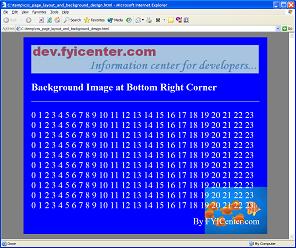
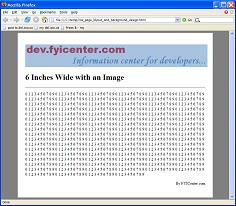
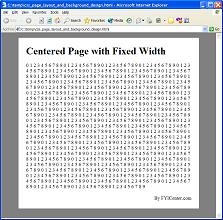
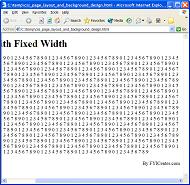
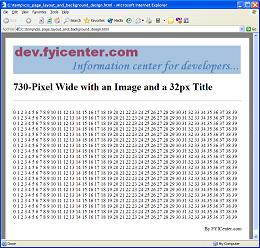
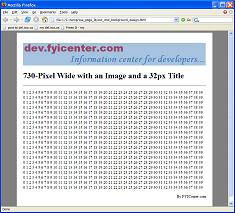
Save the code in 32PixelPageLayout.html and view it with FireFox and IE on a 1280x1024 screen,
you will see the page displayed nicely in both browsers:
2007-05-11, 5692👍, 0💬
Related Topics: