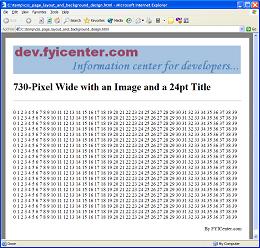
How To Set Page Width to a Fixed Value
How To Set Page Width to a Fixed Value? - CSS Tutorials - Page Layout and Background Image Design
✍: FYIcenter.com
If you don't want your page to be resized when browser window is resized, you need to set your page width to an absolute value.
Many Webmasters use TABLE tags to set page width to a fixed value. But it is actually easier to use DIV tags and CSS definitions to set your page width to a fixed value. All you have to do is to insert a DIV tag right after the BODY tag, and set a width this DIV tag, as shown in the following HTML document:
<html><head>
<style type="text/css">
  DIV.page {width: 7.0in}
</style>
</head><body><div class="page">
<H1>Page with Fixed Width</H1>
<p><script language="JavaScript">
  for (i=0; i<100; i++) {
    for (j=0; j<10; j++) {
      document.write(j+' ');
    }
  }
</script></p>
<p align="right">By FYICenter.com</p>
</div></body></html>
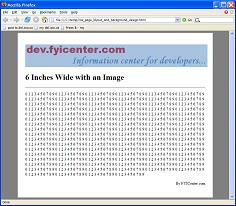
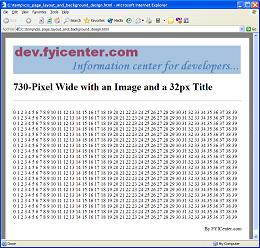
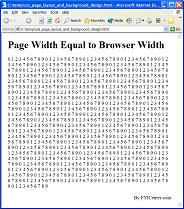
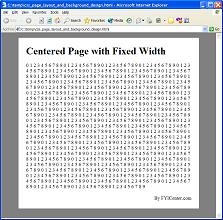
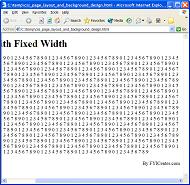
If you save the document as fixedLayout.html, open it and resize the browser window,
the page size will not change as shown below:
2007-05-11, 5452👍, 0💬
Related Topics: