How To Set Page Width Relative To the Browser Width
Q
How To Set Page Width Relative To the Browser Width? - CSS Tutorials - Page Layout and Background Image Design
✍: FYIcenter.com
A
The easiest way to set your page width is to not set any page width. Your page width will be equal to the browser window's width minus margins. If you want to try this, you can enter the following HTML document called, browserLayout.html:
<html><body style="{margin: 0.2in}">
<H1>Page Width Equal to Browser Width</H1>
<p><script language="JavaScript">
  for (i=0; i<300; i++) {
    for (j=0; j<10; j++) {
      document.write(j+' ');
    }
  }
</script></p>
<p align="right">By FYICenter.com</p>
</body></html>
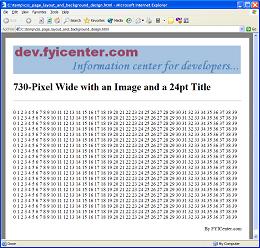
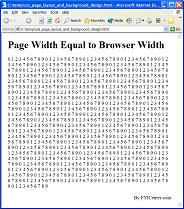
Now view browserLayout.html in a Web browser. You will see a page fill with numbers.
The page width will equal to the browser window width. If you resize the browser window,
the page width will be resized too. The page will look like this:
2007-05-11, 5963👍, 0💬
Related Topics: