How To Float an Image to the Right Side
Q
How To Float an Image to the Right Side? - XHTML 1.0 Tutorials - Understanding Inline Images and Image Maps
✍: FYIcenter.com
A
If you want to float an image to the right side of the paragraph instead of inline within a text line, you have to use the CSS property "float" to do this. The "float" property takes two values:
- "float: left" - Specifies that the image to be floated to the left side of the paragraph.
- "float: right" - Specifies that the image to be floated to the right side of the paragraph.
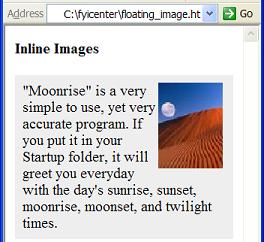
Here is a tutorial example with an image floated to the right side:
<?xml version="1.0" ?>
<!DOCTYPE html PUBLIC "-//W3C//DTD XHTML 1.0 Strict//EN"
  "http://www.w3.org/TR/xhtml1/DTD/xhtml1-strict.dtd">
<html>
 <head>
  <title>Floating Image</title>
 </head>
 <body>
  <h4>Inline Images</h4>
  <p style="background-color: #eeeeee; padding: 8px;">
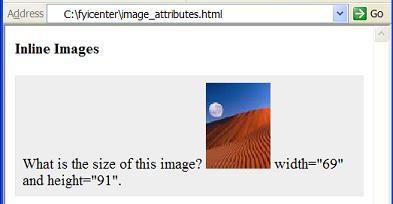
   <img src="/moonrise.jpg"" alt="Moonrise"
    width="69" height="91" style="float: right"/>
   "Moonrise" is a very simple to use, yet very accurate
   program. If you put it in your Startup folder, it will
   greet you everyday with the day's sunrise, sunset,
   moonrise, moonset, and twilight times.</p>
 </body>
</html>
If you save the above document as floating_image.html, and view it with
Internet Explorer, you will see an image floated to the right side
of the paragraph as shown below:
2007-05-12, 5424👍, 0💬
Related Topics: